Traversal – Travel Booking Platform.
Travel booking platform featuring a public website, admin panel, and customer portal – evolved from a static HTML template into a full-fledged ASP.NET Core 8 application.
Traversal – Travel Booking Platform
Travel booking platform featuring a public website, admin panel, and customer portal – evolved from a static HTML template into a full-fledged ASP.NET Core 8 application.
About the project
Traversal is a fictional tour operator. Customers can discover destinations, write reviews, and book trips online. The team manages destinations, bookings, comments, travel guides, users, roles, and website content via the admin panel.
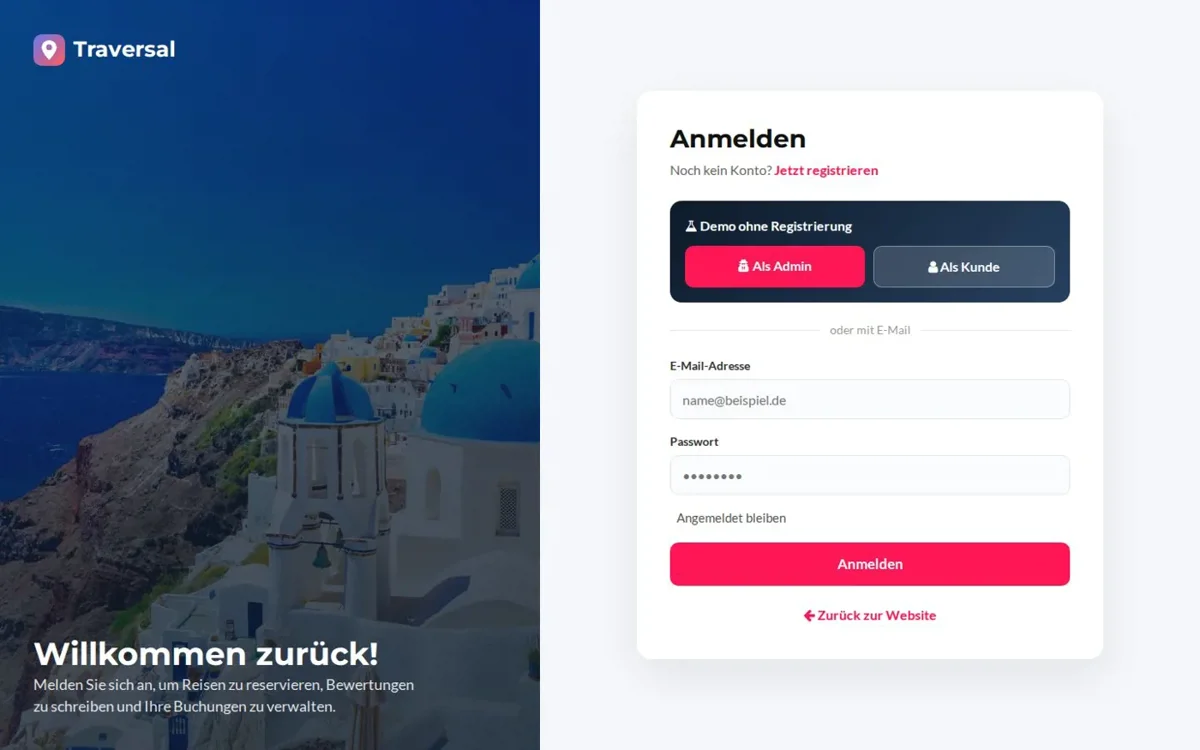
The live demo can be tested without registration – log in with one click as an administrator in the admin panel or as a customer in the customer area. All modifications are permitted, and the database resets automatically.
Technical implementation
The starting point was a purely static HTML template. This evolved into a database-driven application built with a strict N-tier architecture: EntityLayer, DataAccessLayer (EF Core, Code First, Migrations), BusinessLayer (Manager, FluentValidation), and the MVC UI with areas for admin and customers. Authentication and roles are handled via ASP.NET Core Identity, and the database is an SQLite file included in the project. The application is deployed via Docker on Render (Frankfurt region).
Key Features
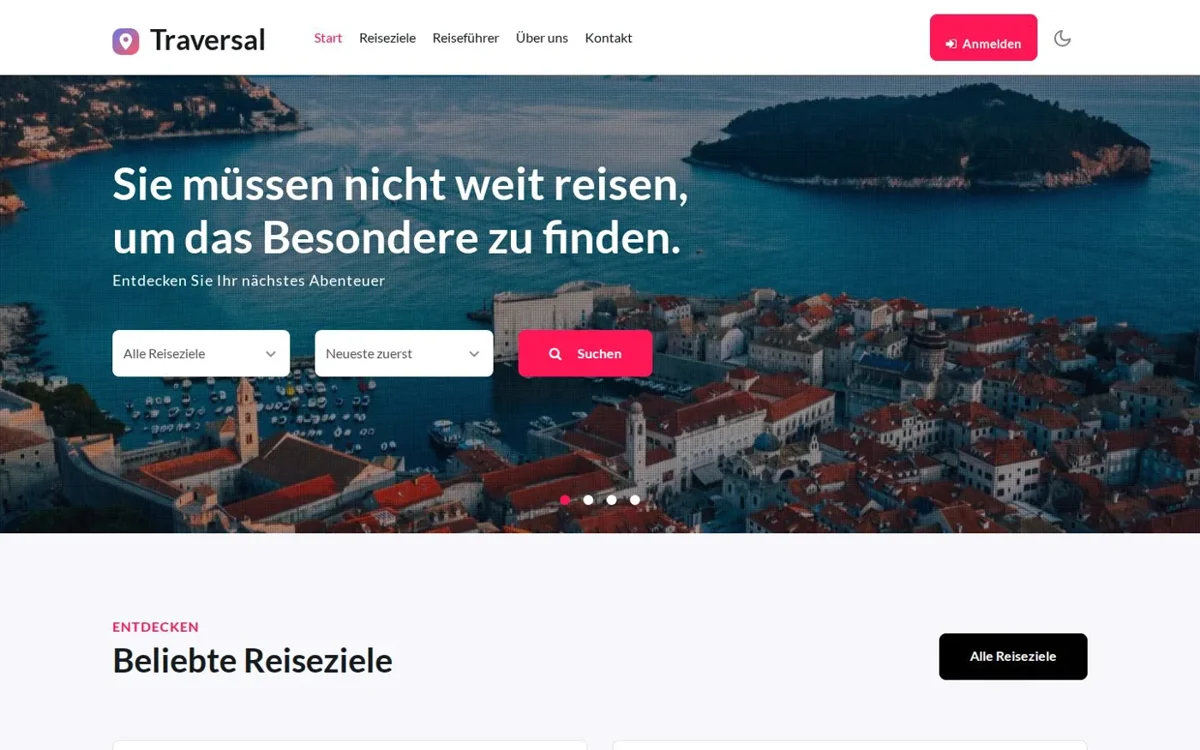
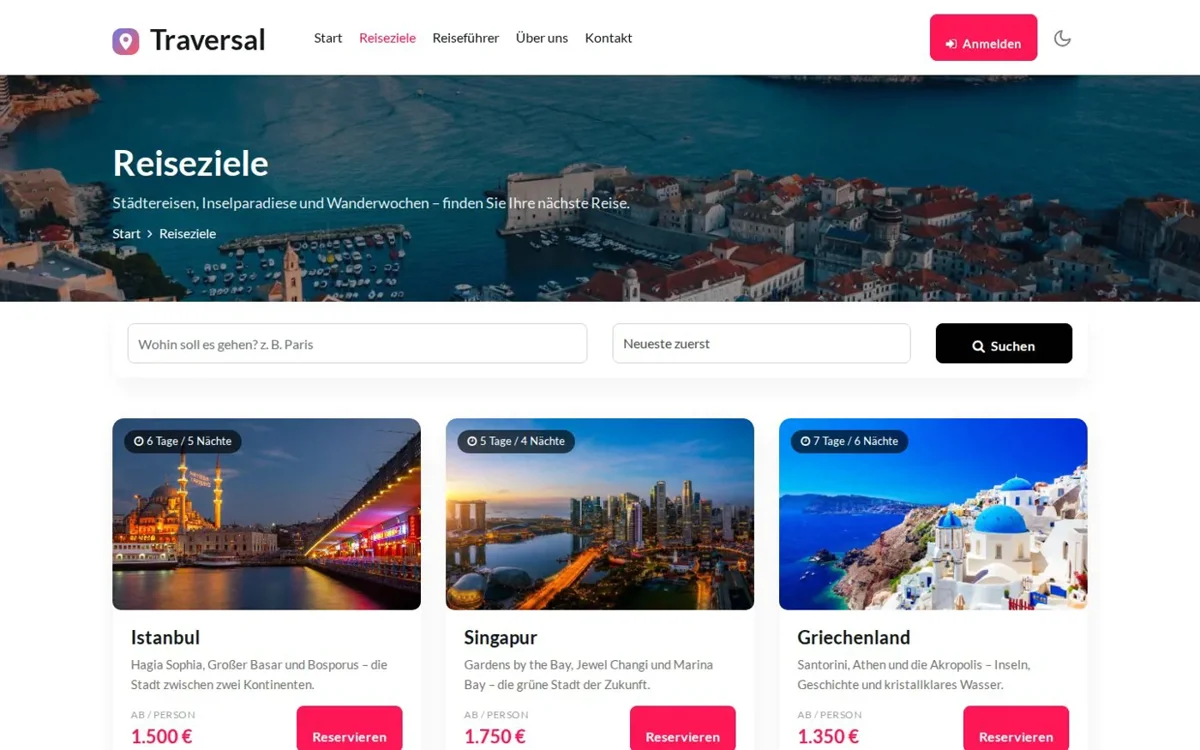
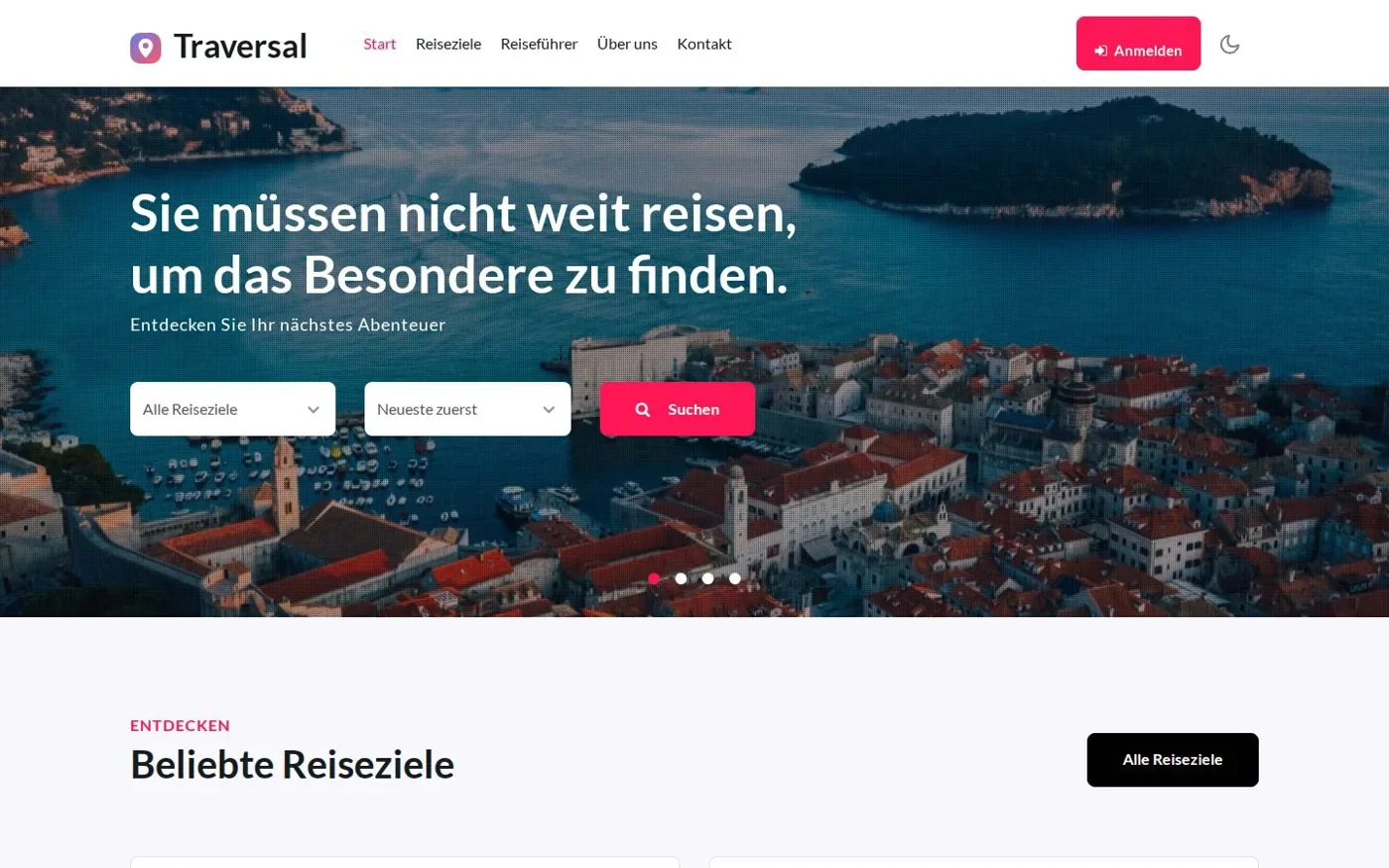
- Public website: home page with quick search, destinations with search and sorting, detail pages with gallery, travel guides and contact.
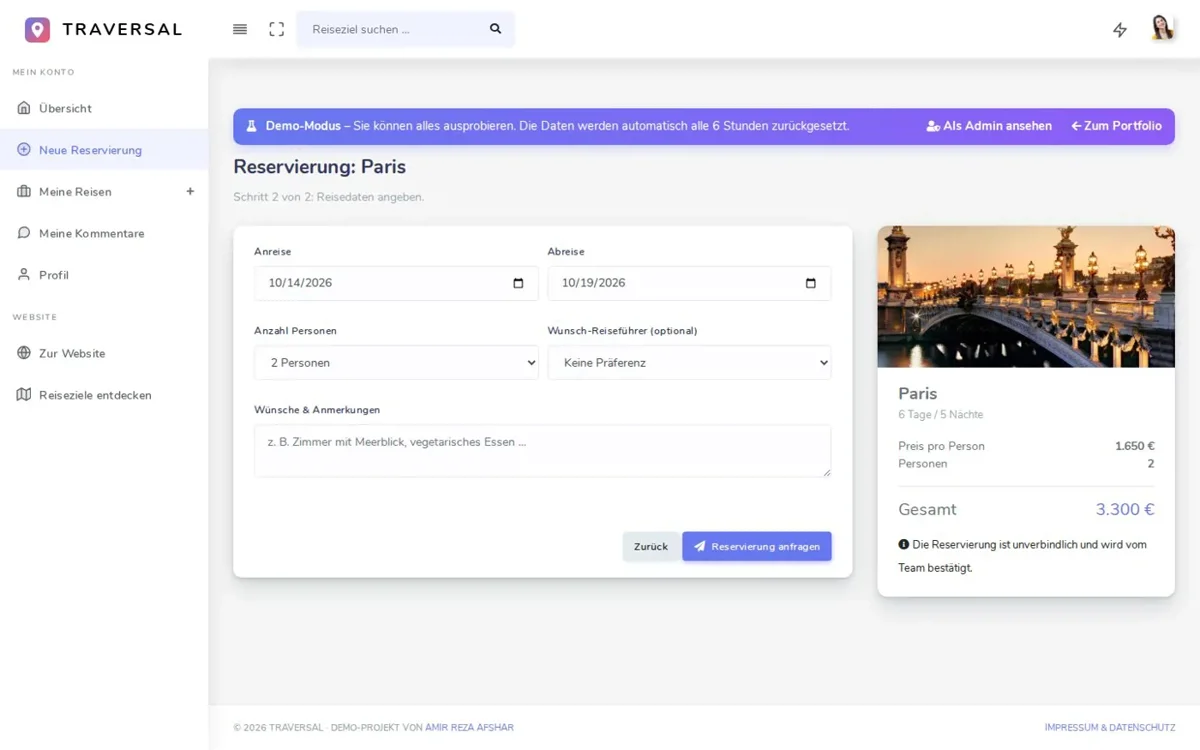
- Online reservation: two-step reservation with live price calculation – customers can change or cancel reservations.
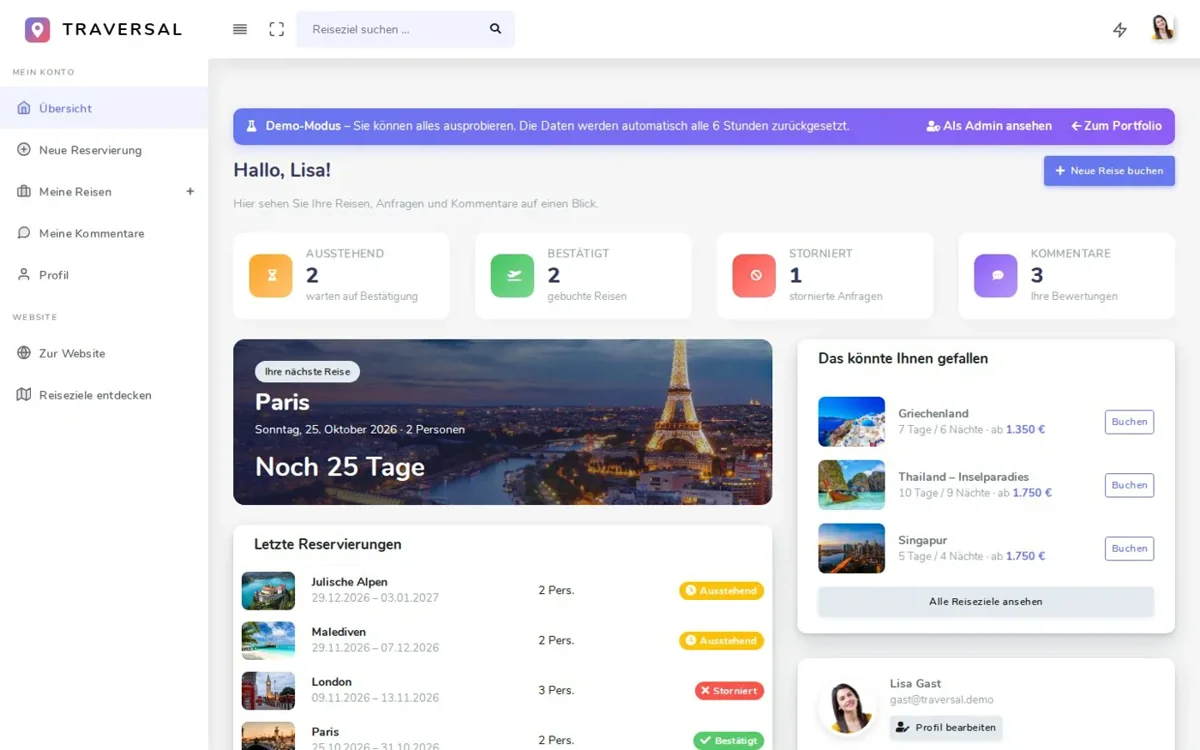
- Customer area: overview with a trip countdown, manage their own trips and comments, change profile and password.
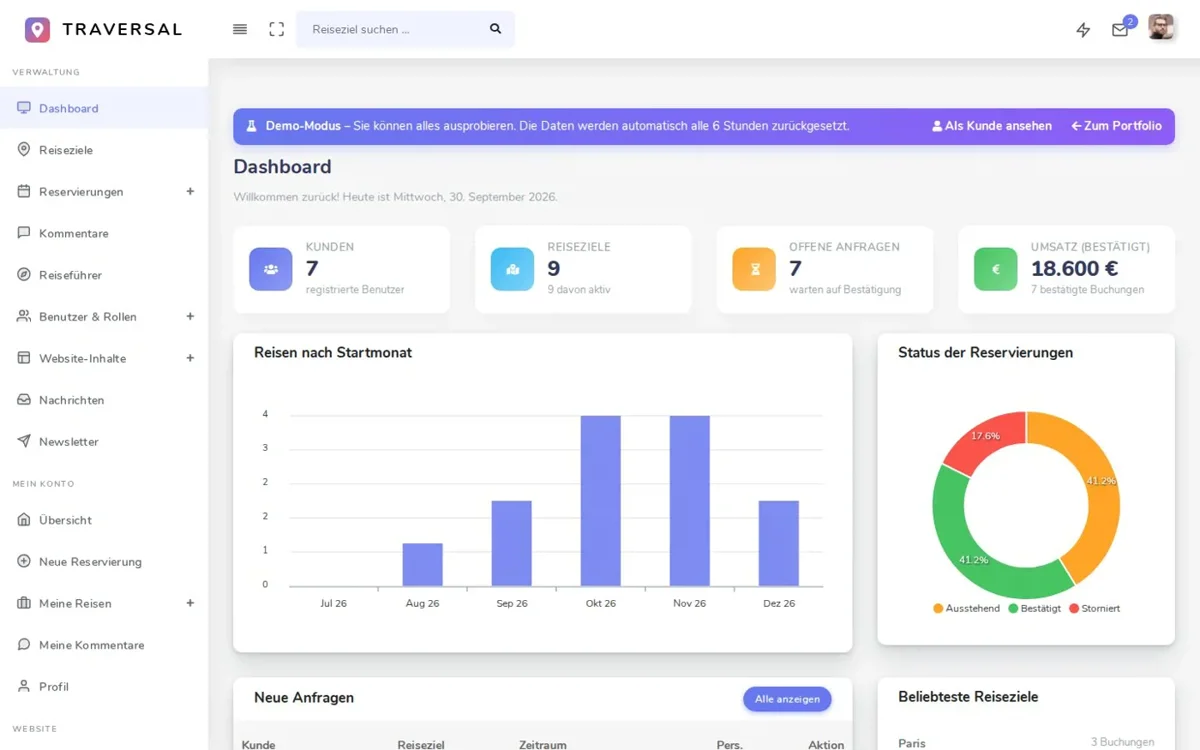
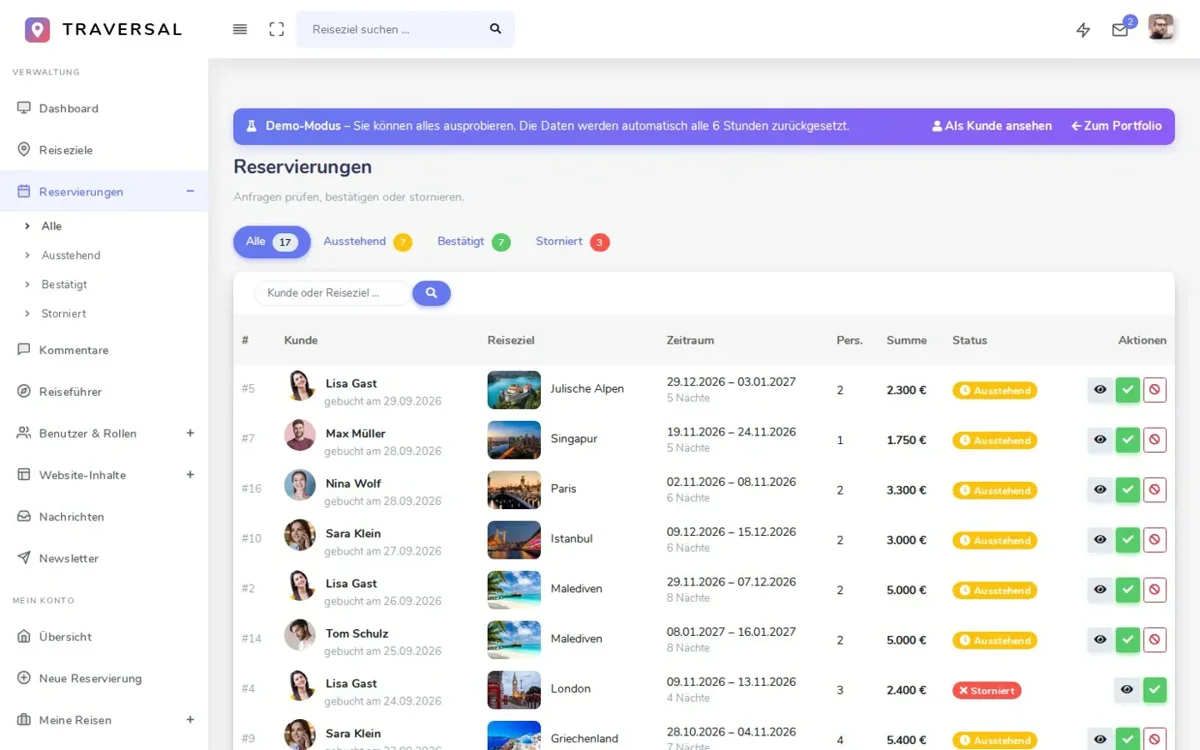
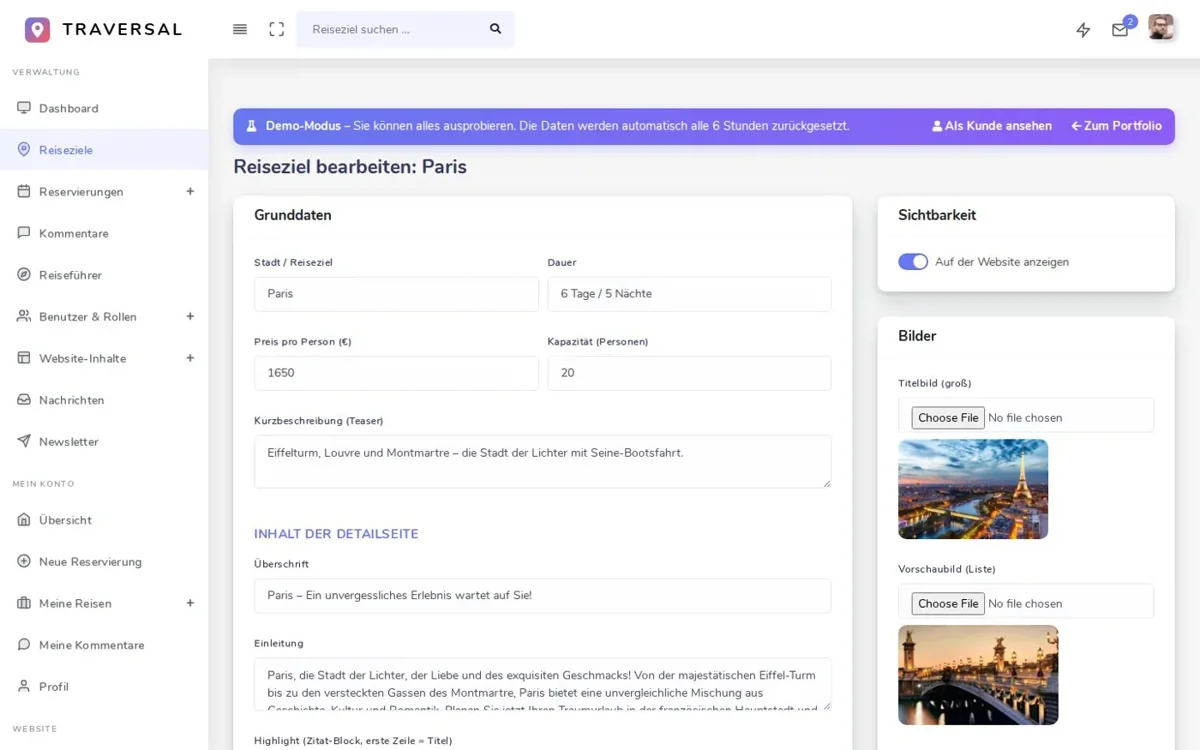
- Admin panel: dashboard with key figures and charts, destinations with image upload, confirming or cancelling reservations.
- Moderation & content: moderate comments, manage travel guides, edit page content, messages and newsletter with CSV export.
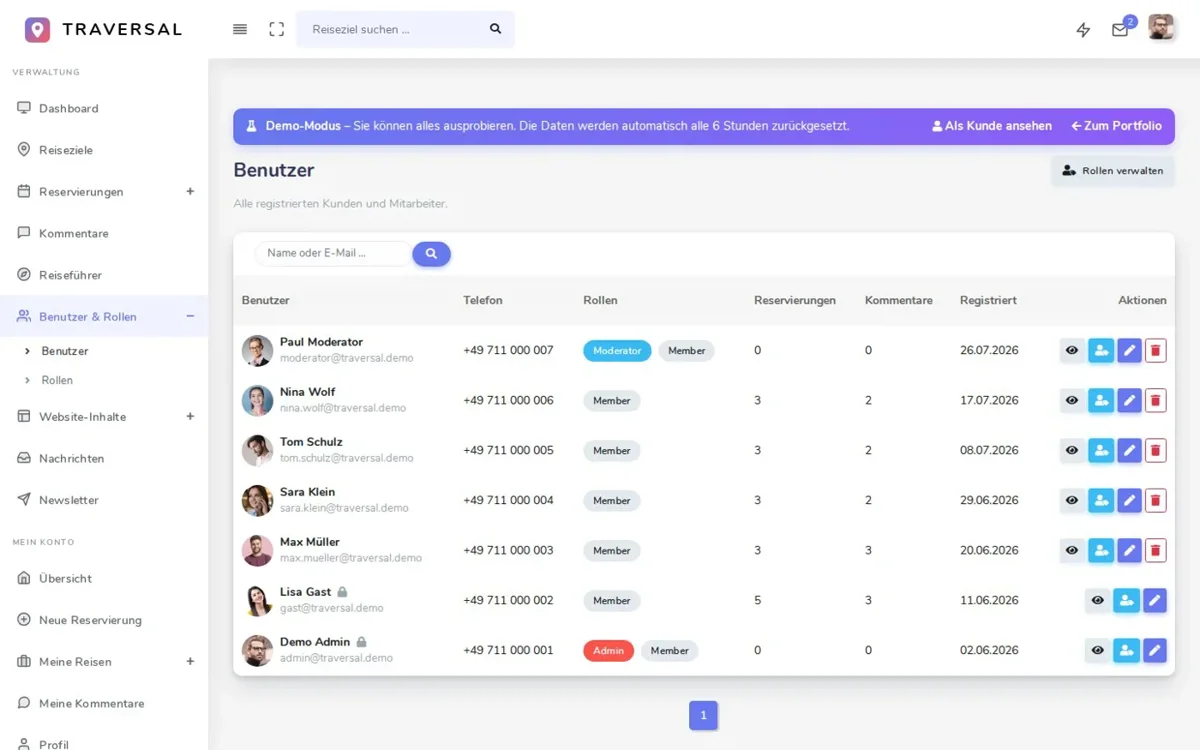
- Rollen & Rechte: ASP.NET Core Identity mit den Rollen Admin, Moderator und Member.
My Role
Independently developed as part of my retraining as an IT specialist for application development – from the database and business logic to the user interface and deployment.
Architecture
EntityLayer (Entities) → DataAccessLayer (Context, migrations, GenericRepository<T>, EF... DAL classes) → BusinessLayer (service interfaces, GenericManager<T>, validation, centralized DI registration) → TraversalCoreProje (controllers, "Admin" and "Member" areas, view components). The DbContext is created per request, and migrations run automatically upon startup.
Challenges
A static template lacking any logic had to be transformed into a fully functional application with three user groups—visitors, customers, and team members—each with dedicated permissions and interfaces. Additionally, the demo needed to be publicly accessible without requiring registration.
Solutions
Clear roles (Admin, Moderator, Member) with dedicated areas, a two-step booking process with live price calculation, AJAX-powered reviews without page reloads, and a demo mode with one-click login and automatic data resetting.
Code Highlight
Generisches Repository und generischer Manager als Basis für alle Module · View Components für wiederverwendbare Bereiche · Dashboard mit KPIs und ApexCharts-Diagrammen · Seitennavigation mit X.PagedList · CSV-Export für Nachrichten und Newsletter · Hell-/Dunkel-ModusKey Learnings
Code-first development with EF Core migrations · Implementation of multiple user roles with dedicated areas · Building a dynamic application from a static design · AJAX for smooth interactions · Docker and cloud deployment
// Detail views